Weebou Editorial Team
 8 min read
 In this article
A little preparation
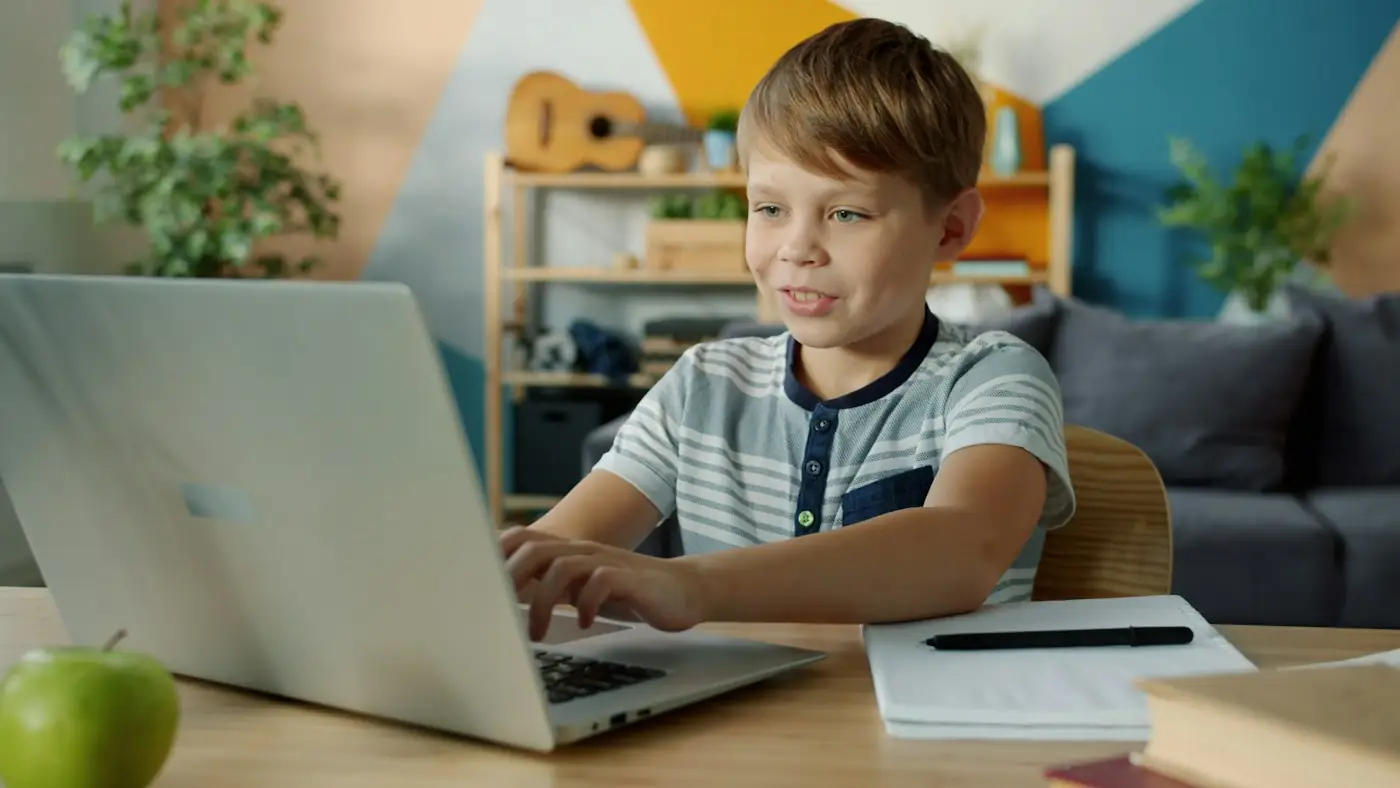
Open a plain document on a laptop or desktop, or a notes app on a tablet with a keyboard attached, and turn off notifications so nothing pops up mid-message. Keep the screen at your child's eye level, feet supported and elbows roughly level with the keys; a cushion on the chair often does the job. Sit beside your child rather than behind, so you can see the same screen without reaching across them.
Start with three keys only: one letter they recognise, the space bar and backspace. Say the name of each as you press it once, then hand over the keyboard. Keyboard letters are usually printed in capitals while the screen shows lowercase, so mention that once, plainly, and let it settle. Keep sessions to about five to ten minutes and finish while it is still fun. If you want letter warm-ups away from the screen first, try these alphabet games. Save the document together at the end and give it a name your child chooses.
What to know and try
Hunt down the letters in a name
A name is the best first word because your child already owns it. Hunting letter by letter on a crowded keyboard builds visual scanning and gives a reason to look carefully at key shapes. Naming each letter aloud as it appears links the sound, the symbol and the result on screen, without anyone needing to be fast.
 You’ll need
- A keyboard
- A blank document with a large font
- A card with the name written in thick pen
How to do it
- Write the name on a card in clear capital letters and put it beside the keyboard.
- Point to the first letter on the card, say it, and let your child find it on the keyboard.
- Press it together the first time, then let your child press the rest alone.
- Read the name aloud each time a new letter appears.
- Press the space bar at the end and watch the cursor jump.
- Compare the screen word with the card and notice that the screen letters are small and lowercase.
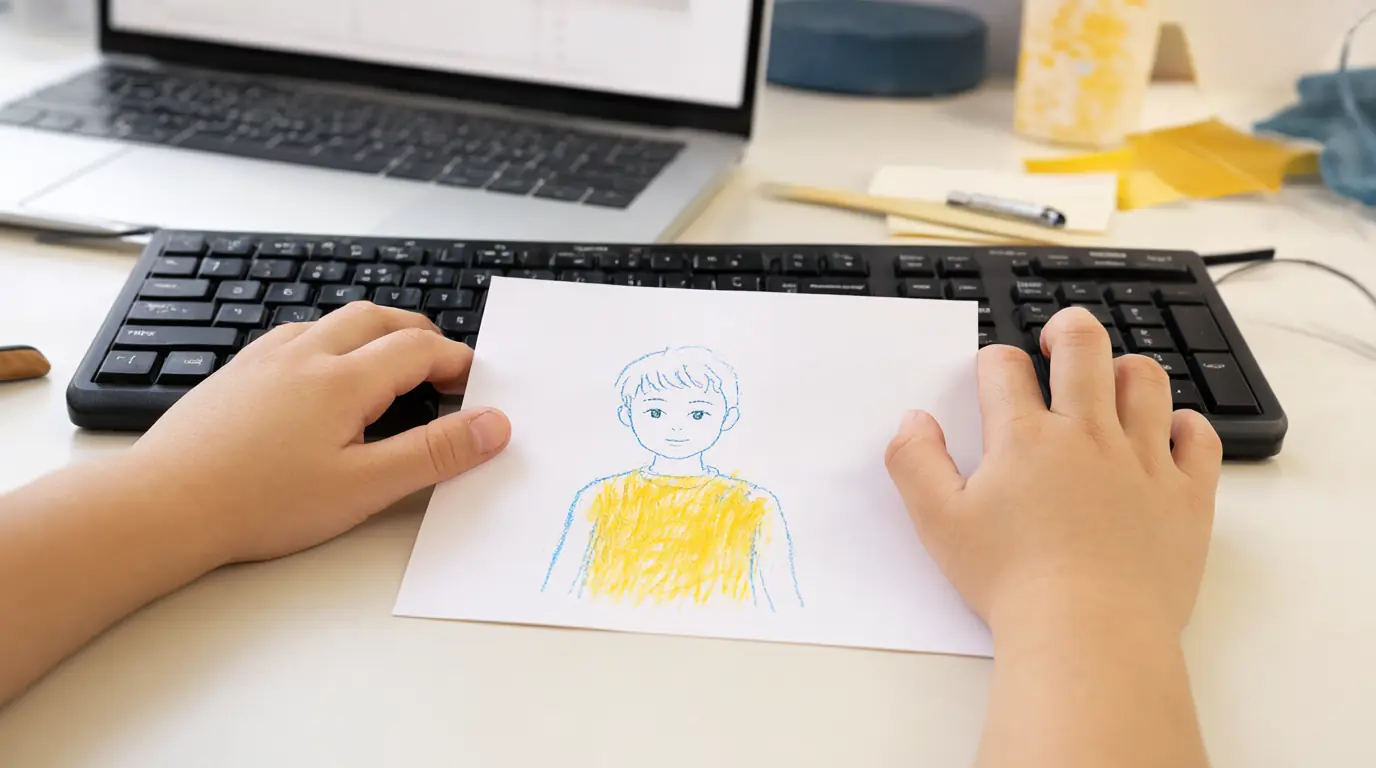
Make it your own: A three-letter name is plenty for a younger child; an older one can type a full name plus a surname. If finding keys is frustrating, cover the surrounding keys with a sheet of paper leaving only the row you need visible.
Type a label for a drawing
This turns typing into part of a bigger project rather than a task on its own. Your child draws first, then types one word to go with it: sun, cat, bus, dinosaur. One word is a realistic target and gives a real reason to use letters, which is exactly what early writing needs.
You’ll need
- Paper and crayons for the drawing
- A keyboard and blank document
- Tape or a printer if you want the word on the picture
How to do it
- Draw the picture first and talk about it: what is in it, what is happening.
- Ask your child which single word the picture needs.
- Type the word together, one letter at a time, saying each letter aloud.
- Press the space bar or Enter once so the word sits on its own line.
- Print the word, or copy it by hand onto the drawing if a printer is not handy.
- Tape the label beside the picture and read it together.
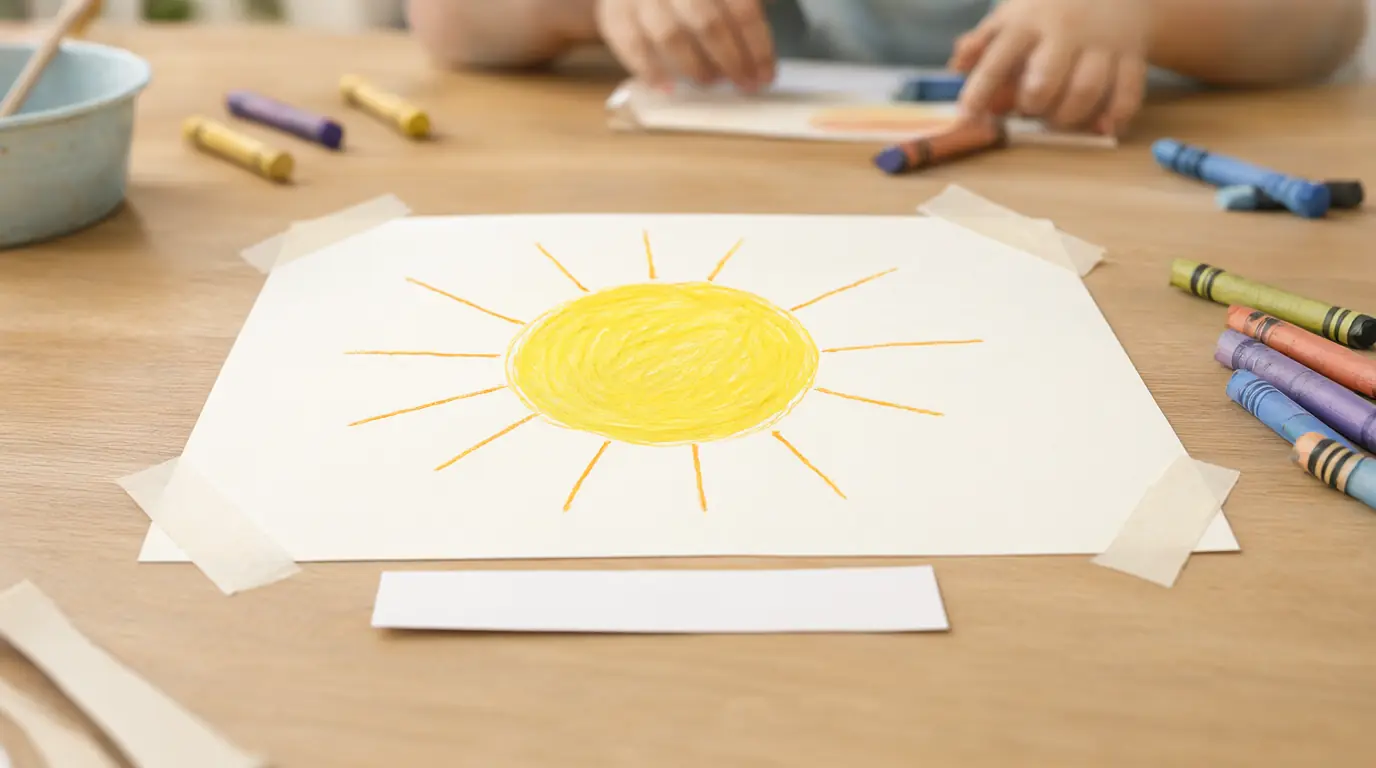
Make it your own: Younger children can manage the first letter only, with an adult finishing the word. Older children can add a second word or a short caption such as big sun or red bus, and then decide where the space belongs.
The space bar makes room
Spacing is invisible until you remove it. Typing two familiar words, deleting the gap and putting it back shows your child that a keyboard has punctuation-like tools, not just letters. Seeing catdog become cat dog is a small, satisfying discovery about how written words stay separate.
You’ll need
- A keyboard and blank document
- Two short words your child knows, written on paper
How to do it
- Type the first word together and read it back.
- Point out that the cursor is sitting right against the last letter.
- Press the space bar once, firmly, and watch the cursor move away.
- Type the second word and read the pair aloud.
- Use backspace to remove the gap, then read the joined-up version and laugh at it.
- Press the space bar again to repair the sentence, and ask which version looks right.
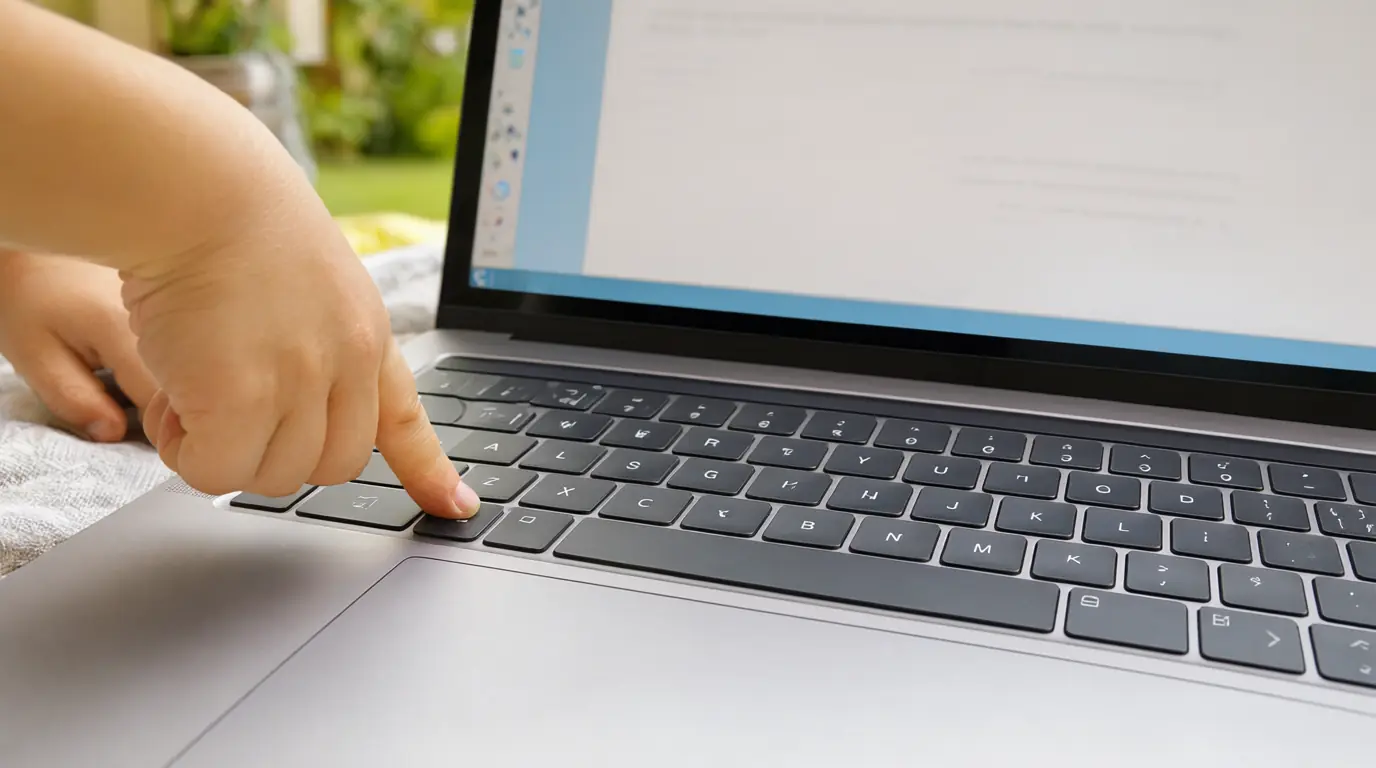
Make it your own: Younger children can work with one space only and an adult naming it each time. Older children can type a three-word line and count how many spaces it needs before they start, treating it as a small plan.
Fix a friendly mistake
Backspace is the most useful key on the keyboard and the least taught. Deliberately adding a wrong letter and then removing it reframes editing as normal and ordinary rather than something to be embarrassed about. Children who know how to undo a slip are far more willing to try writing at all.
You’ll need
- A keyboard and blank document
- A short word already typed
How to do it
- Type a word your child knows and read it together.
- Add one extra letter in the middle on purpose and ask what happened.
- Point to the backspace key and say what it does before pressing it.
- Let your child press backspace once, slowly, watching the letter disappear.
- Read the repaired word and celebrate the fix, not the mistake.
- Repeat with a letter added at the end, which needs two presses, and count them out loud.
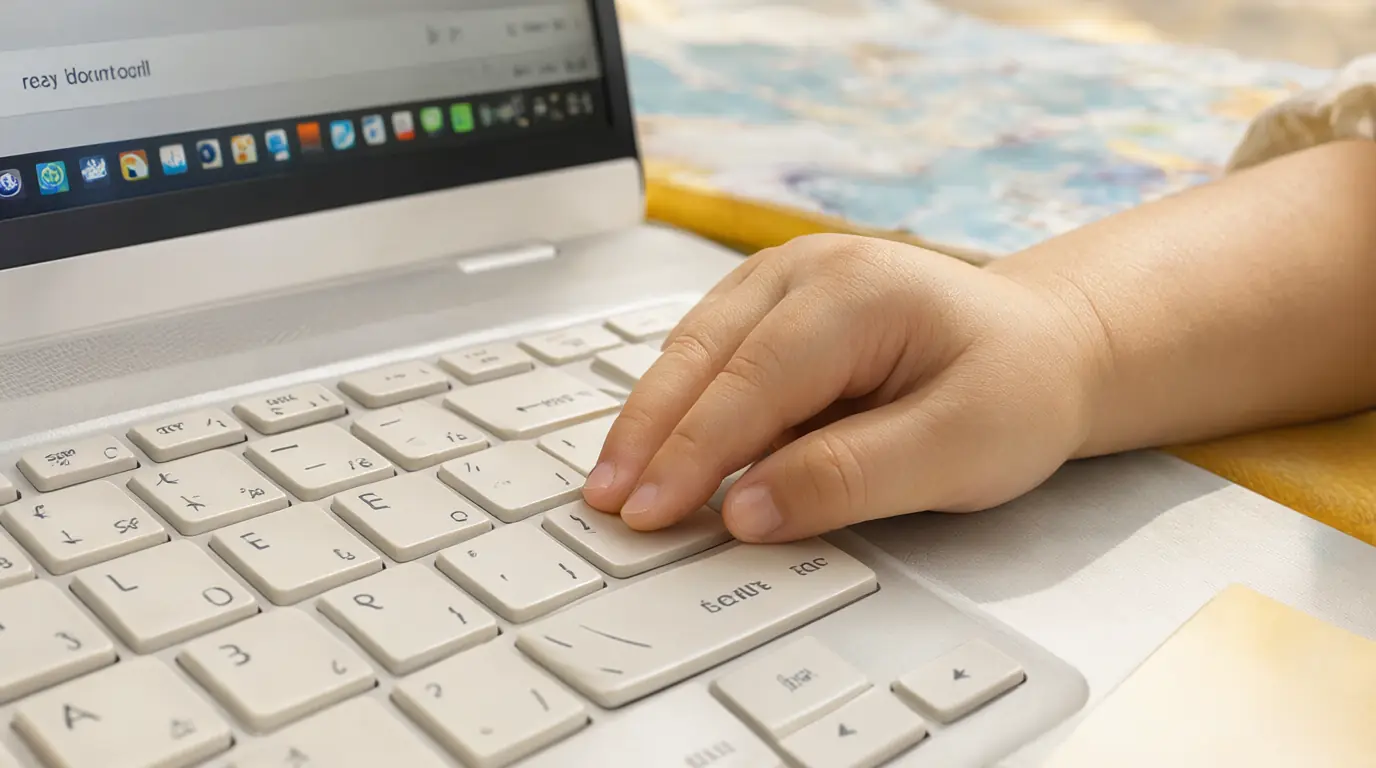
Make it your own: Younger children may need you to guide their finger to backspace the first few times. Older children can be given a word with three mistakes to repair, or asked to spot which letter does not belong before touching anything.
A short message to someone real
Typing lands hardest when it reaches a person. A single line to a grandparent, a neighbour or a parent at work gives the letters a purpose beyond the screen. It also shows your child that writing is a way of speaking to someone who is not in the room, which is a big idea in a small sentence.
You’ll need
- A keyboard and a document or message window
- One sentence decided out loud first
- An adult to send it
How to do it
- Ask who your child would like to write to and what they want to say.
- Say the sentence aloud together and count the words on your fingers.
- Type it word by word, pressing the space bar between words.
- Use backspace for any stray letters, then read the whole line back slowly.
- Add the person's name at the start if your child wants to.
- Send it together with an adult, then wait for the reply and read it aloud.

Make it your own: Younger children can dictate the sentence and type only the final word or their own name. Older children can type two lines, add a capital letter at the start and choose where the full stop goes.

Make it work for your family
If your child presses many keys at once, slow the game down rather than the child: ask for one letter, wait, then ask for the next. If they lose interest after two words, that is a complete session. A child who wants to press the same key repeatedly is exploring the cause and effect, so let them finish before suggesting something new. Sore hands, hunching or a sudden drop in patience are all signs to stop and come back another day.
Keep typing as one small tool among many. Drawing, threading, dough and chunky pencils still do more for small hands, and there is no rush to reach a keyboard. For the wider picture of letter learning, read about when children learn the ABCs, and for mark-making away from a screen see these writing activities for preschoolers. If your child enjoys typing as a game, the writing games give another short, purposeful session.

Parents also ask
At what age should a child start using a keyboard?
Most children can enjoy pressing named keys with an adult from about four or five, once they recognise some letters. Formal typing practice, where accuracy and finger placement matter, usually suits children aged seven and older. Before that, short playful sessions with a real purpose are plenty.
Should children learn touch-typing in preschool?
No. Preschool and reception children are still building hand strength through drawing, dough and small tools, and their hands are small for a full-size keyboard. Finding letters, spacing words and using backspace teach the useful parts of typing without any technique drills.
How long should a typing session last?
Around five to ten minutes is enough for a young child, ending while they are still interested. Stop sooner if they hunch, rub their hands or lose focus. Two or three short sessions a week build familiarity better than one long one.
Choose materials and activities that suit your child, supervise as needed and adapt the ideas to their interests and abilities. About our editorial approach