8 min read


 In this article
A little preparation
Set aside twenty minutes to try a game on your own before your child does. Play from the opening screen to the first ending point, and also notice what happens after a mistake: does the game explain what went wrong, or does it simply flash and restart? Check the settings menu for volume, language, parental controls, and whether there is an option to turn off notifications or online features.
Read the current privacy information and any purchase information on the store page, because these can change between versions. Decide where your child will play, with the screen in a shared room and the device on a table or a stand, and what will happen when play ends. A written family plan does not need to be elaborate; a few lines about when, where and for how long usually work better than a long list. Keep a notebook beside you for anything you want to remember.

What to know and try
Watch the actual task
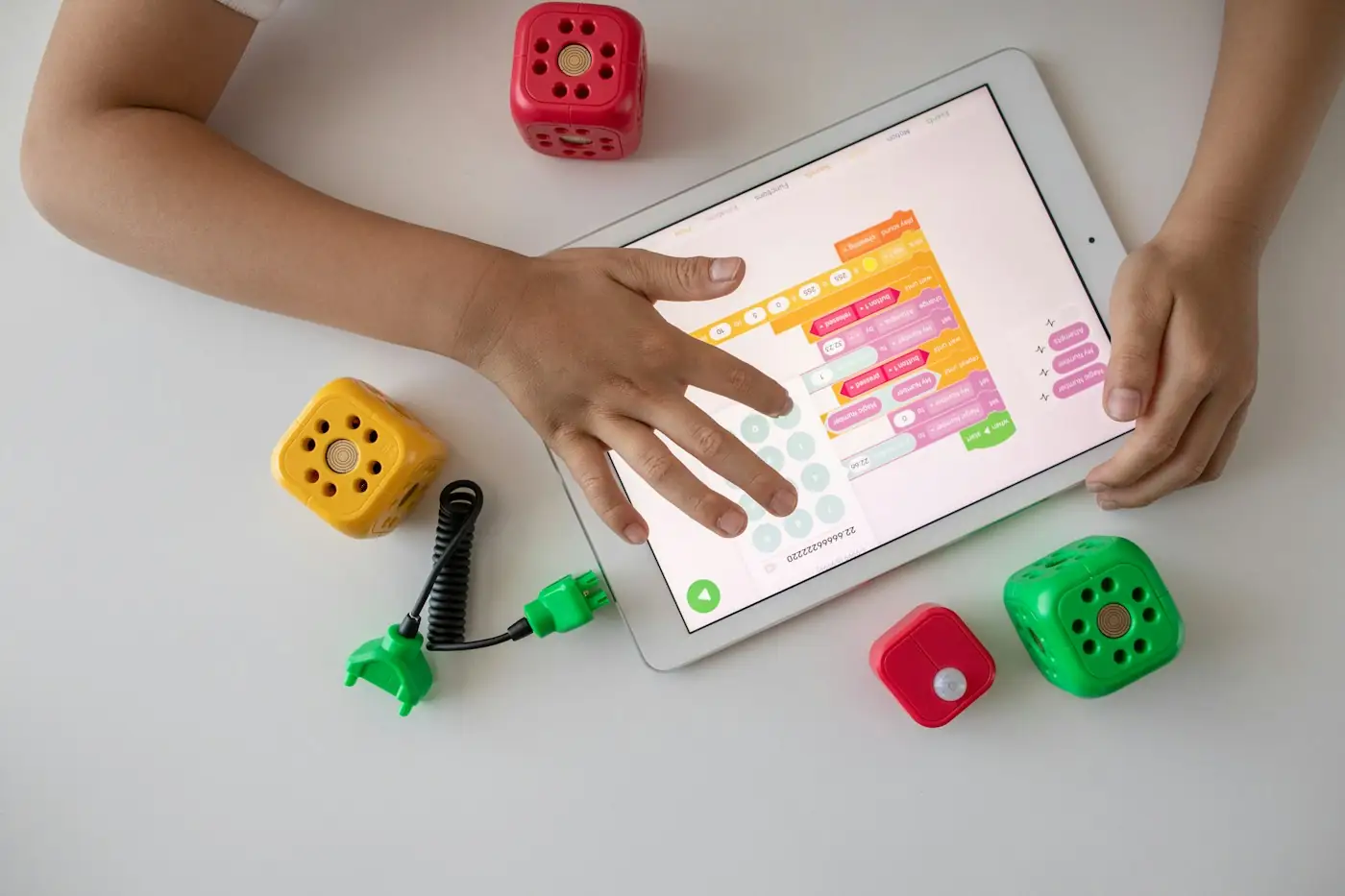
Titles and screenshots can mislead, so look at what a player does minute by minute. Some games ask children to compare shapes, listen to a sentence or build a path, while others rely mostly on repeated tapping for rewards. The task tells you more about whether the game fits your child than the age label does.
 You’ll need
- The game on your own device
- A notebook and pencil
- A timer set for 10 minutes
- A cup of tea for you
How to do it
- Play for ten minutes and write down every kind of action you take, such as tap, drag, listen or choose.
- Count how many of those actions need reading, fast reactions or fine finger control.
- Notice what the game does when you make a mistake and whether it shows how to try again.
- Check whether the pace is set by the player or by the game.
- Decide whether your child's current language and motor skills match what you wrote down.
Make it your own: For a two-year-old, look for large buttons, simple pictures and tasks that take one touch. For a five- or six-year-old, look for a little more choice, such as building something or deciding where to go next.
Check purchases and interruptions
Young children cannot be expected to recognise a shop screen or an advert, so the adult needs to find them first. Spend time going through the game looking for places where money, links, pop-ups or other apps might appear. If the boundaries you need cannot be set clearly, choosing a different game is a perfectly reasonable answer.
You’ll need
- The game and your device settings
- A screen lock or guided access setting
- A list of your own questions
- A few minutes of quiet
How to do it
- Open every menu and tap each button once on your own to see where it leads.
- Note any adverts, shop buttons, social features, links to websites or invitations to share.
- Turn off in-app purchases and notifications in the device settings if possible.
- Check whether the game works offline.
- Make sure a password or a fingerprint is needed to buy anything.
- Decide whether you are comfortable with what remains and write down your answer.
Make it your own: If a game is too busy for your youngest child, use guided access or a similar setting to keep it on one screen. For an older child, you can go through the shop screen together and talk about why it is there.
Play the first session together
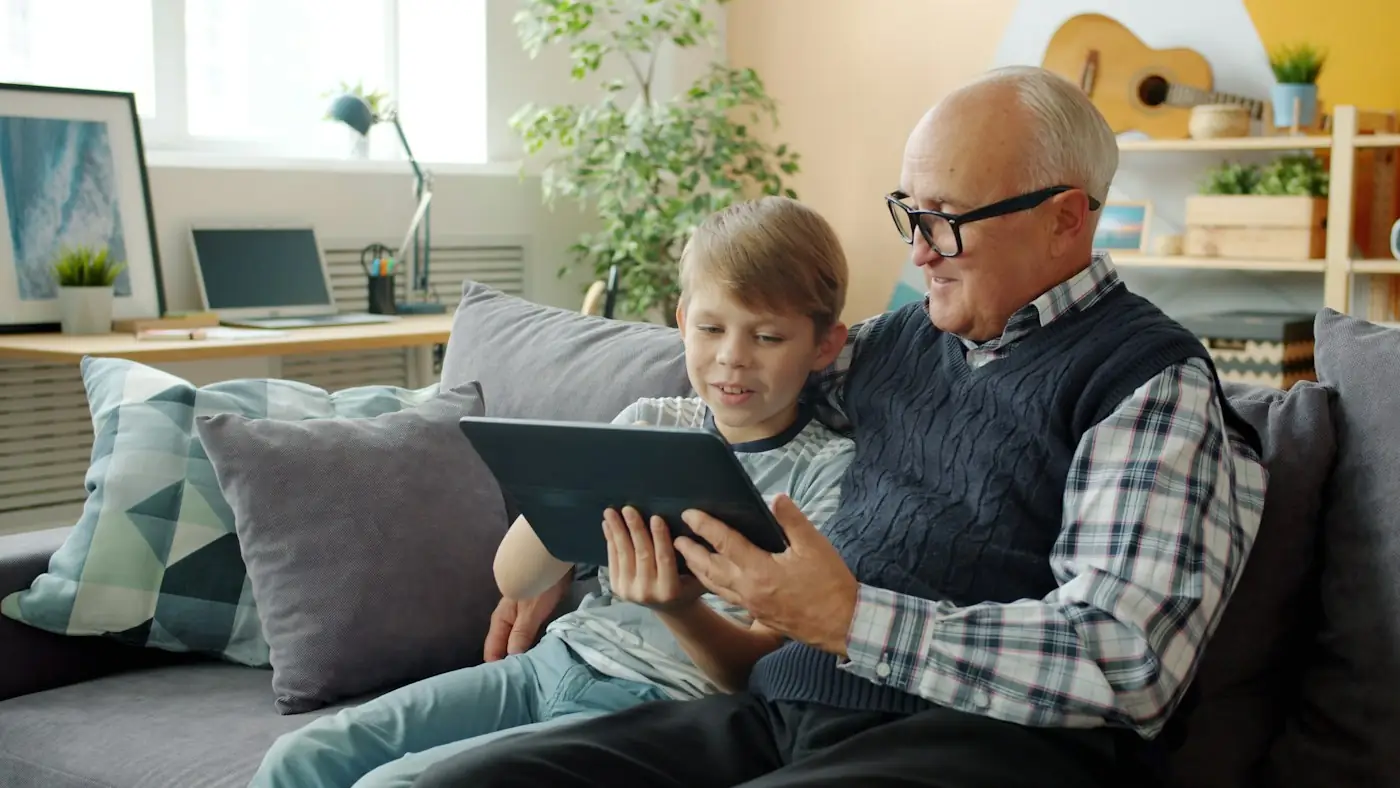
Sitting beside your child for the first play lets you see what they notice and what confuses them. It also turns the game into a conversation: they can show you something they worked out, and you can offer a hint without taking over. Afterwards, the game can lead to a drawing, a toy scene or a story, which keeps the idea alive away from the screen.
You’ll need
- A device on a low table or a stand
- Two cushions side by side
- A sheet of paper and crayons nearby
- A short time limit agreed beforehand
How to do it
- Tell your child what you are going to play and how long it will take.
- Let them hold the device or touch the screen while you watch.
- Offer help only when they ask or look stuck, and say what you notice rather than giving the answer.
- Take turns if there is a natural way to do it.
- Stop when the timer ends and say one thing you both enjoyed.
- Offer paper and crayons and ask whether they would like to draw something from the game.
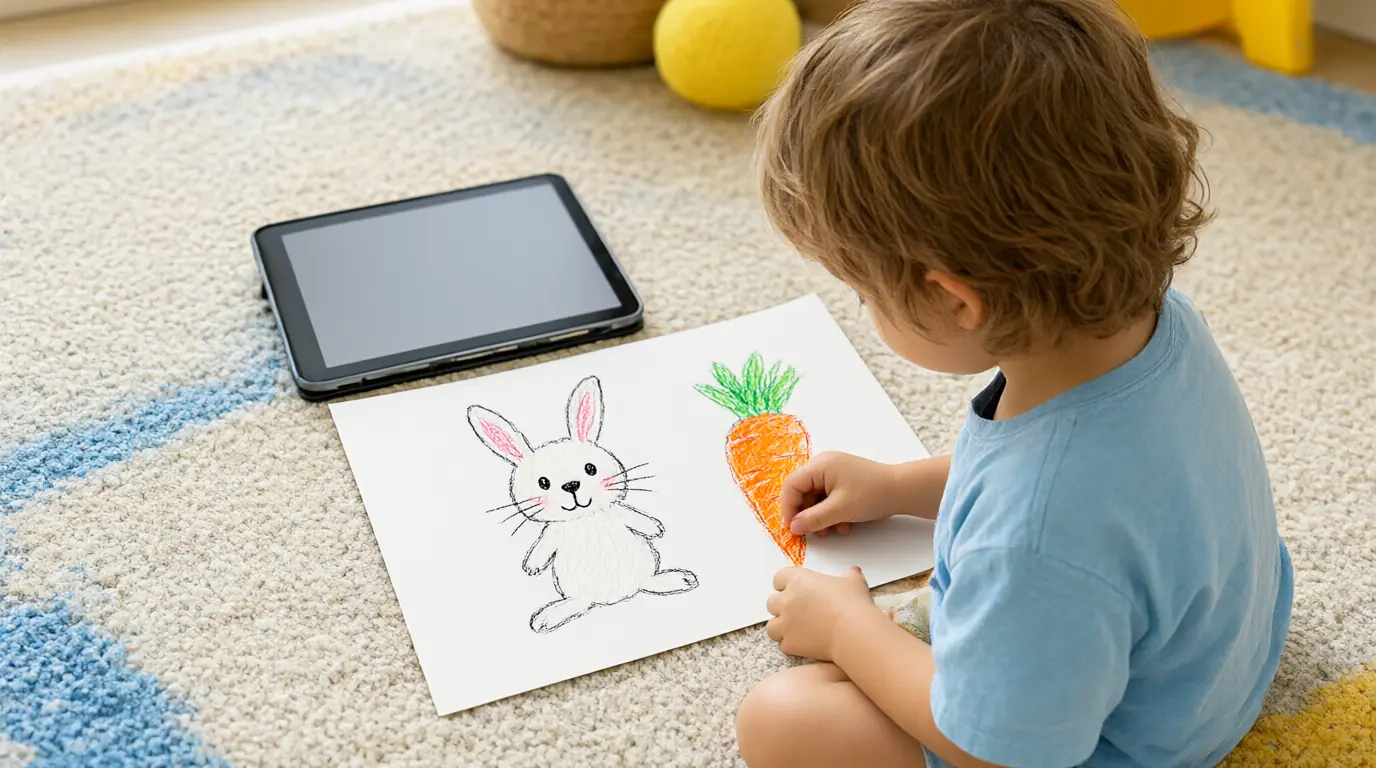
Make it your own: A toddler may only want to touch and see what happens, and that is fine. An older child might enjoy explaining the rules to you, or teaching a younger sibling, with you acting as a quiet listener.
Plan the ending as carefully as the start
Stopping is often the hardest part, so give it as much thought as choosing the game. A clear ending, whether a finished level, a timer or a song, is easier for a young child to accept than an abrupt turn-off. Adults who stop their own screen time at the same point help children understand that it is a family routine.
You’ll need
- A visual timer or an ordinary kitchen timer
- A card showing what comes next, such as a drawing of a snack
- A comfortable place to move to afterwards
- A favourite song to sing
How to do it
- Before play begins, show your child the timer or the finishing point and say what you will do afterwards.
- Give a gentle warning when about two minutes remain.
- When the time is up, help your child save or close the game themselves.
- Move straight to the next activity together rather than talking about the game.
- If upset appears, name the feeling and stay close for a moment.
- Note whether the ending worked and adjust the warning or the next activity.
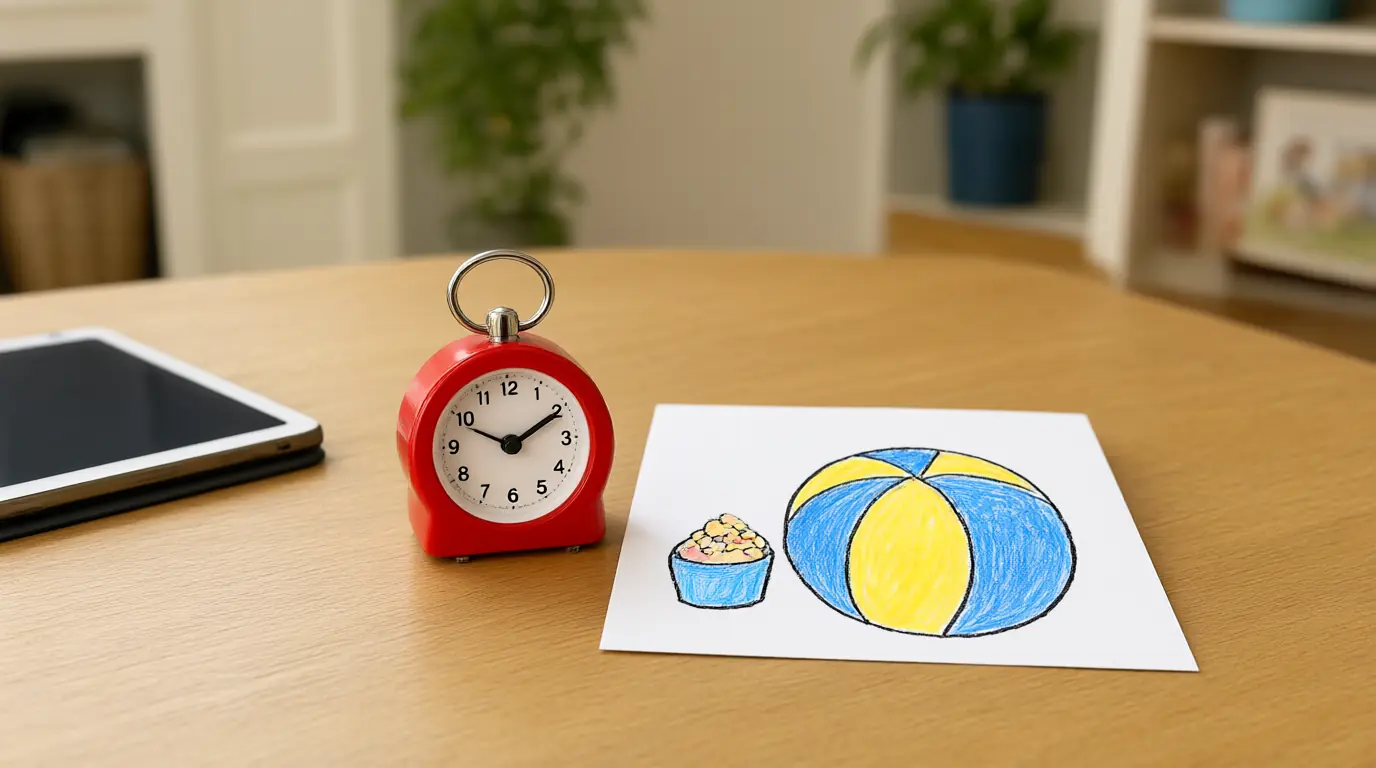
Make it your own: Children who find endings difficult may do better with a game that has natural finishing points than with one that continues indefinitely. Older children can help set the time and say what they will do next.
Keep a short family media plan
A plan makes decisions easier because you are not negotiating from scratch each time. It can be as simple as one page with three or four lines, written with your child's help, and reviewed when something changes. The point is to protect sleep, movement, outdoor time and relationships, not to forbid games.
You’ll need
- A large sheet of paper
- Crayons or markers
- Stickers or small drawings
- A place on the fridge or wall
How to do it
- Draw four boxes on the paper and label them with pictures: when, where, how long and what next.
- Fill in each box together, with your child drawing and you adding words.
- Add a fifth box for who can say yes to a new game.
- Put the plan somewhere visible and refer to it at the start of each session.
- Look at it again after two or three weeks and change anything that is not working.
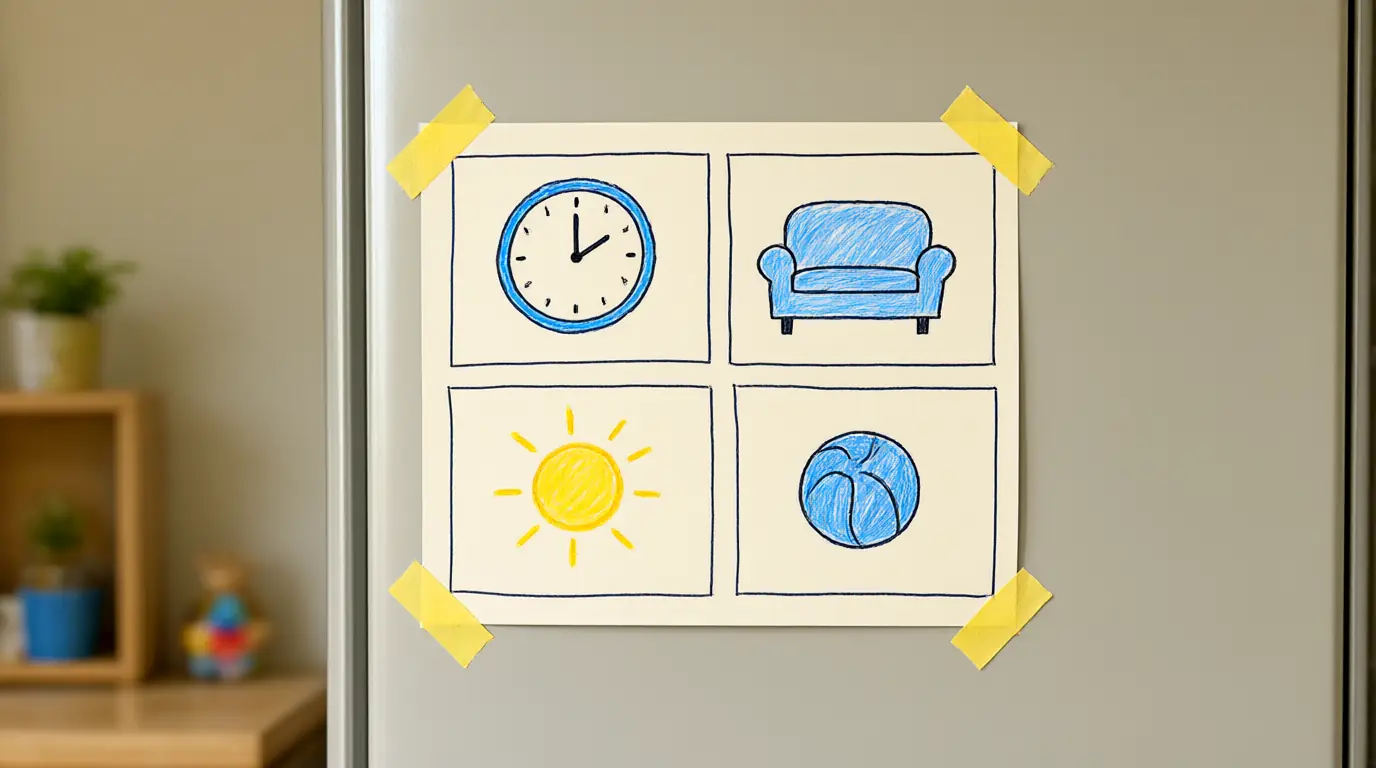
Make it your own: For a younger child, use only two boxes with pictures. For an older child, let them suggest rules for the whole family, including adults, and notice which ones they chose.

Make it work for your family
An educational label on the store page tells you what the publisher hopes, not what a particular child will experience. Judge the game by what the child does in it: matching, building, listening, making choices, or tapping repeatedly for a reward. Choose games where progress comes from the child's own actions rather than from watching adverts or collecting daily bonuses.
Keep time for sleep, movement, meals, books and face-to-face play, and review your plan every few months as routines change. If your child struggles to stop, that is information about the transition rather than a failure; try a clearer ending, a calmer lead-in or a different game. Our guide to making screen-time transitions clearer and our overview of free learning games and what to look for go further, and you can also try Weebou's matching games as an example of short, clear tasks.

Parents also ask
Are video games okay for a 3-year-old?
It depends on the game, how long it lasts and what else the child does in the day. Simple, calm games with large buttons and clear tasks can suit some three-year-olds, especially when an adult plays too. If you have concerns about screen use, your paediatrician or health visitor can advise.
How do I know whether a game is really educational?
Do not rely on the label. Play it yourself and look at the task: does your child make choices, solve a small problem or create something, or just tap to collect rewards? Notice what they say or do away from the screen afterwards, which is often the best clue.
What should I do if my child melts down when the game ends?
Check the ending first: a warning, a clear stopping point and something enjoyable straight afterwards usually help. Stay calm, name the feeling and avoid long negotiations. If upsets happen every time, try a shorter session or a different game rather than assuming your child is the problem.
Sources & further reading
Explore these primary sources for further context on this topic.
Choose materials and activities that suit your child, supervise as needed and adapt the ideas to their interests and abilities. About our editorial approach