Weebou Editorial Team
 7 min read

 In this article
A little preparation
Make a small grid on paper, with squares about the size of your child's toy, or lay out a route on the floor with masking tape. Prepare a few arrow cards: forward, turn left, turn right. Practise each command on its own before combining them, and keep a toy version of the game available for children who would rather not move around. Use only a few commands at first; too many choices make it hard to see what is happening.
Sit beside your child, and let them be the programmer as often as you do. When a sequence does not work, treat it as a bug to fix rather than a mistake to correct: 'something in our plan needs to change.' Short sessions of 10 to 15 minutes are best. A pencil and a few sticky notes are useful for marking the step where the plan went wrong. For children who find sequencing hard, start with just two cards and build up gradually. Everything needed can be drawn or cut from scrap paper.

Ideas to try together
Toy delivery program
A toy delivering a parcel across a grid is the classic first coding game. Children place the cards in order, follow them exactly and check whether the toy arrives, which shows that the order of instructions matters.
 You’ll need
- A paper grid of 4 by 4 squares
- A small toy figure
- A picture of a parcel or a small box
- 8 arrow cards: forward, left and right
How to do it
- Place the toy on one square and the parcel on another.
- Ask your child how the toy can reach the parcel and lay out the cards in order.
- Read the cards aloud together, then follow them exactly, moving the toy one square per card.
- Check whether the toy arrives at the parcel.
- If it does not, find the card that sent it the wrong way and change it.
- Try a new start square and make a new program.
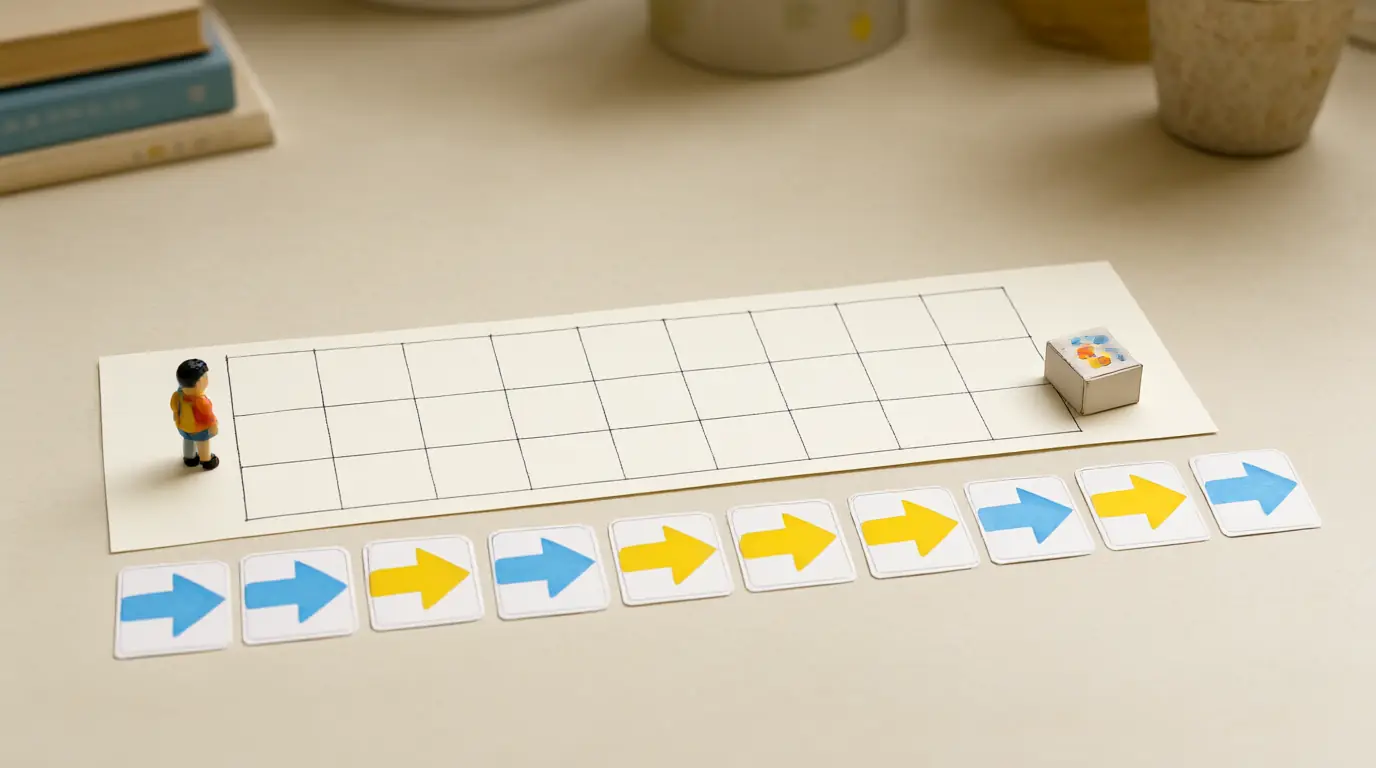
Make it your own: Younger children can use only forward cards on a straight line. Older children can add an obstacle square that the toy must go around.
Be the robot
Giving instructions to an adult 'robot' shows how exact instructions need to be. When the robot does exactly what you say, children quickly learn that 'go over there' is not a command but 'take two steps forward' is.
You’ll need
- A clear floor space about 3 metres square
- Masking tape for a boundary
- A soft toy as the goal
- A scarf for the robot's 'sensor'
How to do it
- Agree on a few commands: forward means one small step and turn means a slow quarter turn.
- Mark the boundary with tape and place the soft toy on the floor.
- Your child gives you a short list of commands to reach the toy.
- Follow the commands exactly, even if they lead you astray.
- Stop at the boundary and ask what to change.
- Swap roles and let your child be the robot.
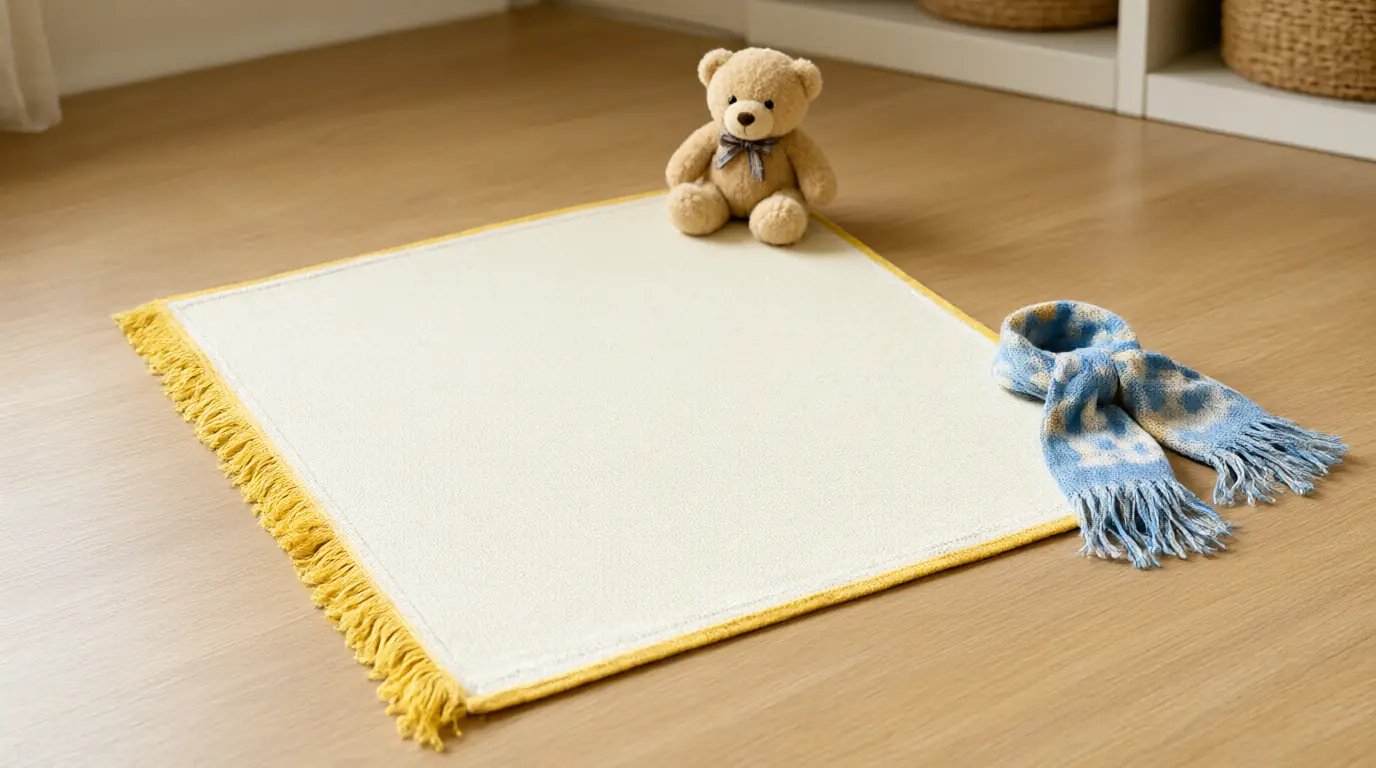
Make it your own: Younger children can give one command at a time. Older children can write the program on paper first and then test it.
Repeat the pattern
Repeating a short group of actions is a first loop. Children see that instead of writing the same instructions many times, you can write them once and say how many times to do them. Repeating a short group of actions is the idea behind a loop, and children grasp it quickly when they can do it with their own hands and feet.
You’ll need
- Picture cards for clap, tap and stomp
- A card marked with a curved arrow for 'repeat'
- A table or a rug
- A small bell
How to do it
- Lay out a clap card and a tap card side by side.
- Perform the actions in order: clap, tap.
- Place the repeat card after them and ask what it might mean.
- Perform the pair twice and count together.
- Add a stomp card and make a three-step pattern.
- Ring the bell when your child has finished the repeated actions.
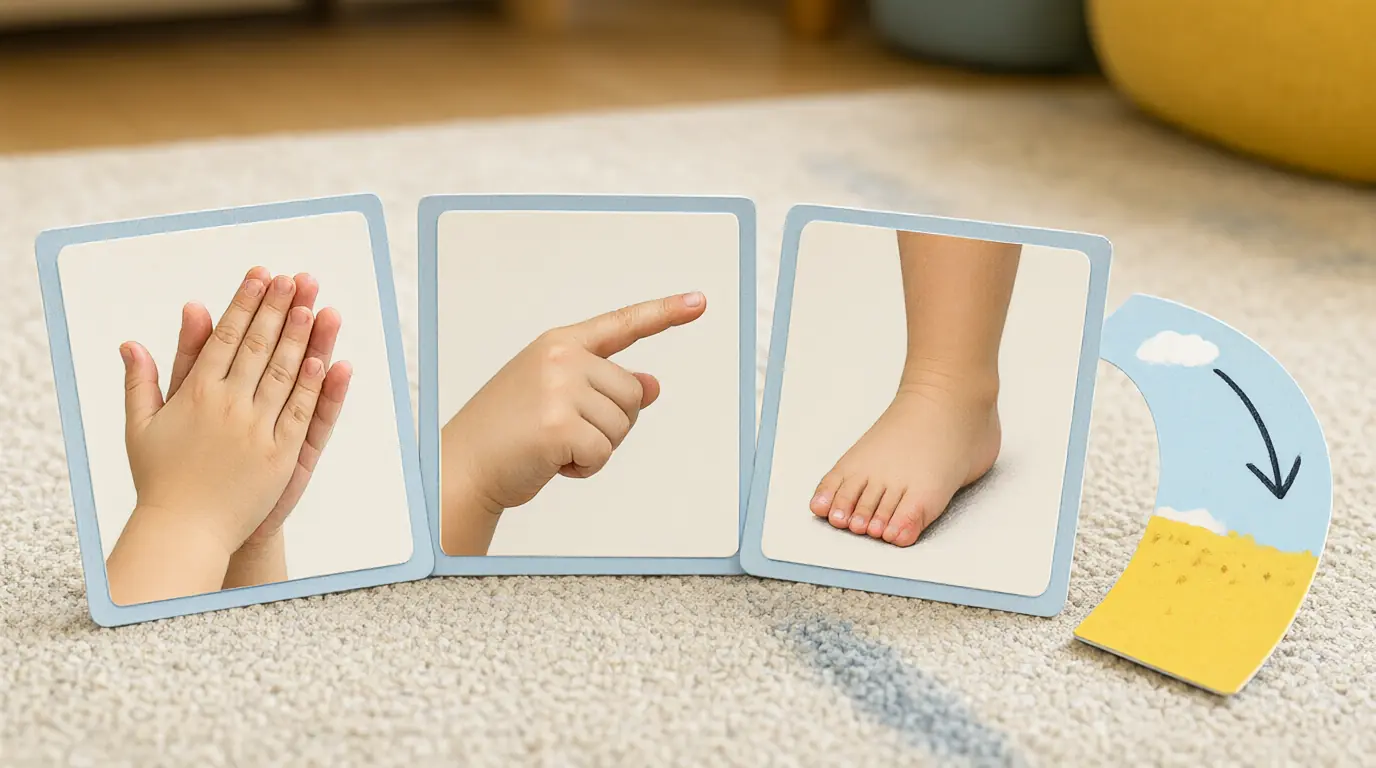
Make it your own: Younger children can repeat one action. Older children can design a longer pattern and challenge you to perform it.
Find the wrong turn
Finding a bug is a key part of coding. A route with one wrong arrow lets children trace a plan step by step and find exactly where it goes astray, without blame. Finding the bug together shows that mistakes are information, which is just as true in code as it is in building or drawing.
You’ll need
- A paper grid with a start square and a goal
- A row of arrow cards with one pointing the wrong way
- A toy figure
- A sticky note
How to do it
- Prepare a route in which one arrow card points away from the goal.
- Ask your child to follow the arrows with the toy, one by one.
- Stop when the toy goes off course and ask where it went wrong.
- Place a sticky note on the card that caused the problem.
- Replace only that card and run the route again from the start.
- Celebrate that the toy reached the goal after the fix.
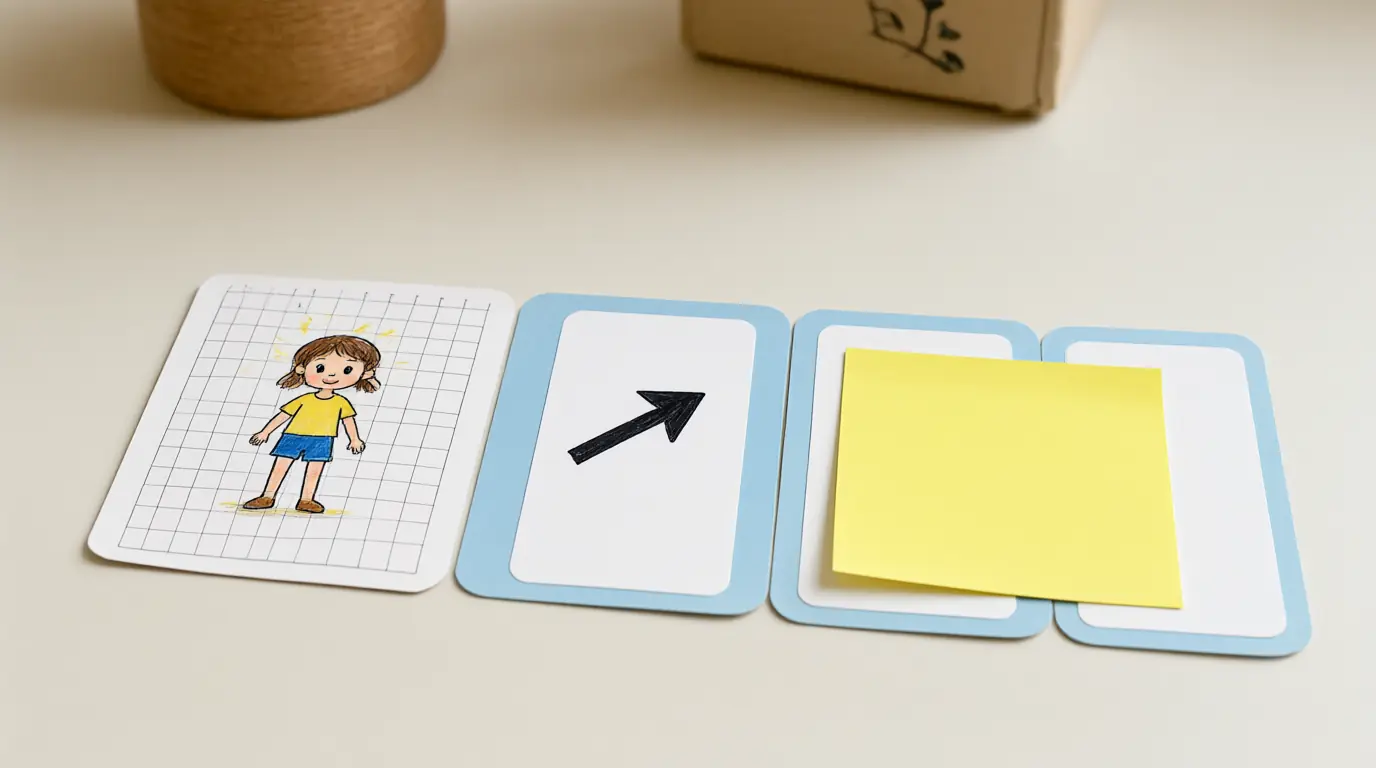
Make it your own: Younger children can find a bug in a three-card route. Older children can make a route with a hidden bug for you to find.
Dance program
A dance written as a row of picture cards is a program for the body. Children experience how a sequence works when they perform it, and swapping two cards changes the dance. Because the program is a dance, children feel the order of instructions in their own bodies instead of only seeing it on a card.
You’ll need
- 4 to 6 picture cards, such as jump, spin, clap, wave, sit, stretch
- A string or a strip of tape to lay cards along
- Music, optional
- A clear space
How to do it
- Lay out three cards in a row and tell your child this is a dance program.
- Perform the dance by following the cards from left to right.
- Swap two cards and perform it again, noticing what changed.
- Add a fourth card and ask your child to choose where it goes.
- Invite a family member to follow the program without help.
- Make a new program together and name the dance.
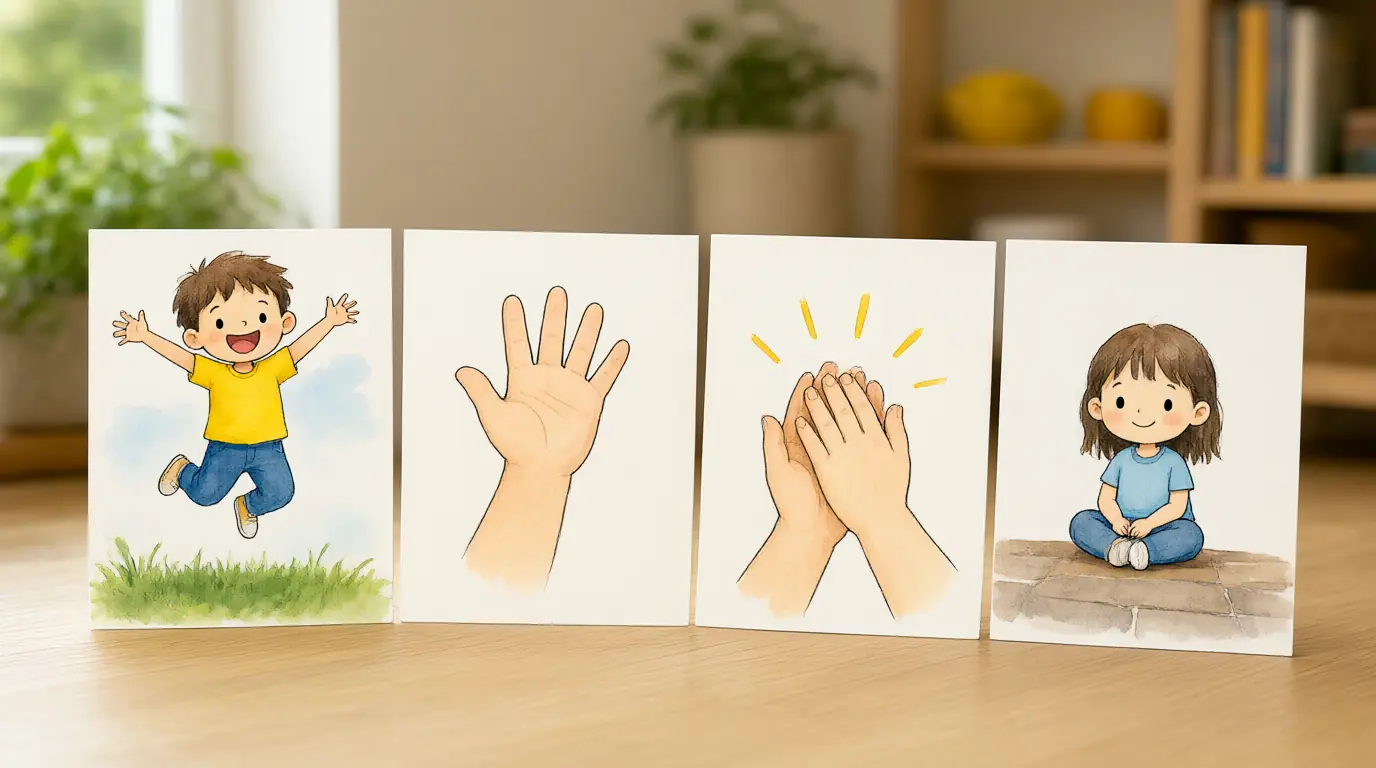
Make it your own: Younger children can use two cards. Older children can add a repeat card and perform the dance three times.

Make it work for your family
Use only one instruction at first and add another when your child asks for more. Describe changing a sequence as fixing the plan, not fixing the child, and let your child direct you as often as you direct them. If frustration rises, return to a simpler route they have already solved.
Connect the games to everyday life by noticing sequences in routines such as getting dressed. For more thinking games, try problem-solving activities for kids and first strategy games, and Weebou's puzzles game offers another gentle way to practise planning.

Parents also ask
Can young children learn coding without a screen?
Yes. The core ideas, such as sequences, repeats and debugging, can be practised with cards, toys and movement. These games help children think in clear steps and notice when a plan needs fixing, which are useful skills with or without a computer.
What age can children start coding games?
Many children enjoy simple sequence games from around four, using two or three cards. Younger children can join in by moving a toy while an adult sets the instructions. Follow your child's interest and keep sessions short.
What if my child gets frustrated when the program fails?
Treat the failure as a bug to find, not a mistake. Slow down, step through the cards one at a time and point out what worked. If frustration continues, go back to an easier route your child has already solved and try again another day.
Choose materials and activities that suit your child, supervise as needed and adapt the ideas to their interests and abilities. About our editorial approach